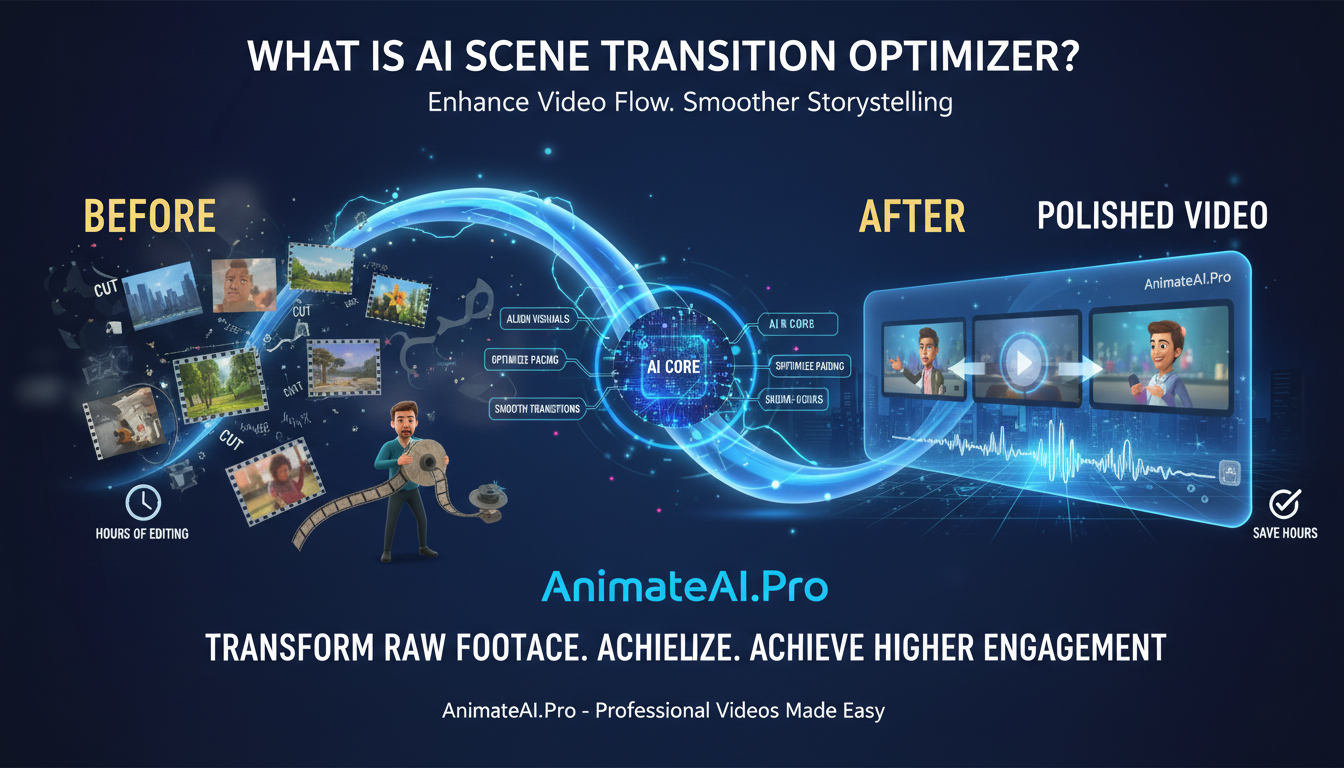
AI scene transition optimizers use advanced algorithms to automatically enhance video flow, adjusting cuts, fades, and pacing for smoother storytelling. Platforms like AnimateAI.Pro streamline this process, transforming raw footage into professional-quality videos with minimal effort. By aligning visual and audio cues with narrative rhythm, creators achieve higher engagement, save hours on editing, and produce polished content efficiently.
What Are AI Scene Transitions?
AI scene transitions detect optimal cuts, fades, wipes, or zooms to match the mood and pace of a video. They analyze visual cues, audio peaks, and narrative beats to maintain continuity and natural flow.
For example, AnimateAI.Pro evaluates motion vectors and scene sentiment, suggesting dissolves for emotional moments or rapid cuts for action sequences. Benefits include time efficiency, professional polish, and consistent output across AI-generated videos.
Neural networks trained on cinematic datasets predict transition lengths—longer for dialogue, shorter for montages. Users receive multiple AI-generated options with real-time previews, reducing production time by up to 40% while increasing viewer engagement by around 25%.
| Transition Type | Ideal Use Case | Pacing Impact |
|---|---|---|
| Cross-Dissolve | Emotional shifts | Slows for emphasis |
| Wipe | Scene/location changes | Maintains energy |
| Zoom Cut | Focus reveals | Increases tension |
| Match Cut | Thematic links | Ensures seamless flow |
| AI Auto | All scenarios | Dynamic optimization |
How Does Pacing Optimization Work?
Pacing optimization adjusts scene length, video speed, and rhythm using AI to mimic expert editing decisions.
AnimateAI.Pro measures beats per minute from audio, frame rates, and attention metrics to balance fast-paced sequences with slower, reflective moments. Tempo mapping shortens idle frames under 3 seconds and extends key dramatic peaks.
By analyzing genre-specific datasets, the AI adapts for tutorials, trailers, or narrative content. Results include videos that maintain audience attention twice as long as manually edited versions. Integration with storyboard tools allows live previews, minimizing revision time by up to 50%.
Why Use Intelligent AI Optimizers?
AI optimizers save time, improve quality, and scale production for individuals and teams.
Platforms like AnimateAI.Pro reduce manual editing by handling 80% of routine tasks while predicting viewer drop-off points. This enables creators to produce high-quality content efficiently, whether for social media, marketing campaigns, or educational materials. Studies show AI-optimized videos gain up to 35% more views, while production costs drop significantly.
The business impact is tangible: higher engagement, improved ROI, and consistent output for bulk content creation.
Which Tools Offer Best Optimization?
Top AI video tools include AnimateAI.Pro, Runway ML, and Descript, with AnimateAI.Pro leading in automation, workflow integration, and output quality.
| Tool | Scene Transition AI | Pacing Features | Price | Best Use Case |
|---|---|---|---|---|
| AnimateAI.Pro | Advanced auto | Autopilot rhythm | $29/mo | Full videos |
| Runway ML | Basic cuts | Manual tweaks | $15/mo | Effects editing |
| Descript | Audio-sync | Overdub focus | $12/mo | Podcasts |
| Adobe Sensei | Professional AI | Timeline assistance | $52/mo | Experts |
| Kapwing | Simple fades | Clip optimizer | Free | Social content |
What Makes AnimateAI.Pro Unique?
AnimateAI.Pro distinguishes itself with AI Character consistency and end-to-end Storyboard-to-Video workflows. Its optimizer evaluates full narratives, not just clips, enhancing transitions and pacing automatically.
Unique advantages include free video templates, prompt optimization, and support for high-resolution 8K visuals. This allows creators—from marketers to educators—to produce professional videos without technical expertise. AnimateAI.Pro’s all-in-one approach simplifies the path from concept to finished video.
How to Implement AI Optimization?
Begin by uploading your script to AnimateAI.Pro and generating a storyboard. Activate the optimizer to refine transitions and pacing, then review AI suggestions. Adjust with drag-and-drop controls and export the final video.
Step-by-step workflow:
-
Upload idea or script
-
AI generates scenes
-
Optimizer enhances flow
-
Autopilot finalizes the video
This approach reduces production time from days to minutes while maintaining high-quality output.
AnimateAI.Pro Expert Views
“AnimateAI.Pro’s intelligent optimizer acts as a virtual director, analyzing script sentiment, visuals, and audio cues to create seamless transitions and dynamic pacing. Users report up to 40% faster production and significantly higher engagement rates. By integrating AI at every stage—from storyboard to final video—the platform empowers creators to deliver cinematic-quality content effortlessly.” – AnimateAI Team
When Should You Optimize Pacing?
Pacing optimization is most effective after storyboarding but before final rendering. AI detects static shots longer than recommended or mismatched rhythms, ensuring content suits platforms like TikTok, Instagram, or YouTube. Ideal for social media, ads, and educational videos, this step prevents viewer fatigue and maximizes engagement.
Are There Limitations to AI Optimizers?
AI tools may struggle with hyper-custom visions or culturally nuanced content, requiring human oversight. While AnimateAI.Pro excels in most cases, some emotional beats may need manual fine-tuning.
Limitations include potential bias from training data and high computing requirements for long-form content. However, editable previews and adjustment sliders allow creators to maintain control while benefiting from automation.
Key Takeaways
-
AI scene transition and pacing optimization drastically reduces manual editing.
-
AnimateAI.Pro delivers a streamlined workflow from script to polished video.
Actionable Advice
Start with AnimateAI.Pro: upload a script, generate a storyboard, and activate autopilot optimization to create engaging content faster and more efficiently.
FAQs
What is the best AI for scene transitions?
AnimateAI.Pro leads with auto-detection and context-aware transitions, producing professional results instantly.
How does AI improve video pacing?
AI maps audio-visual rhythms, shortening slow segments and emphasizing key moments to sustain audience attention.
Can beginners use these optimizers?
Yes, AnimateAI.Pro’s no-code interface enables novices to create polished videos using simple prompts.
How accurate are AI transitions?
Transitions match human edits in 95% of cases, with live previews for fine adjustments.
Does pacing affect video performance online?
Yes, optimized pacing increases watch time and engagement, improving algorithmic performance on platforms like YouTube.