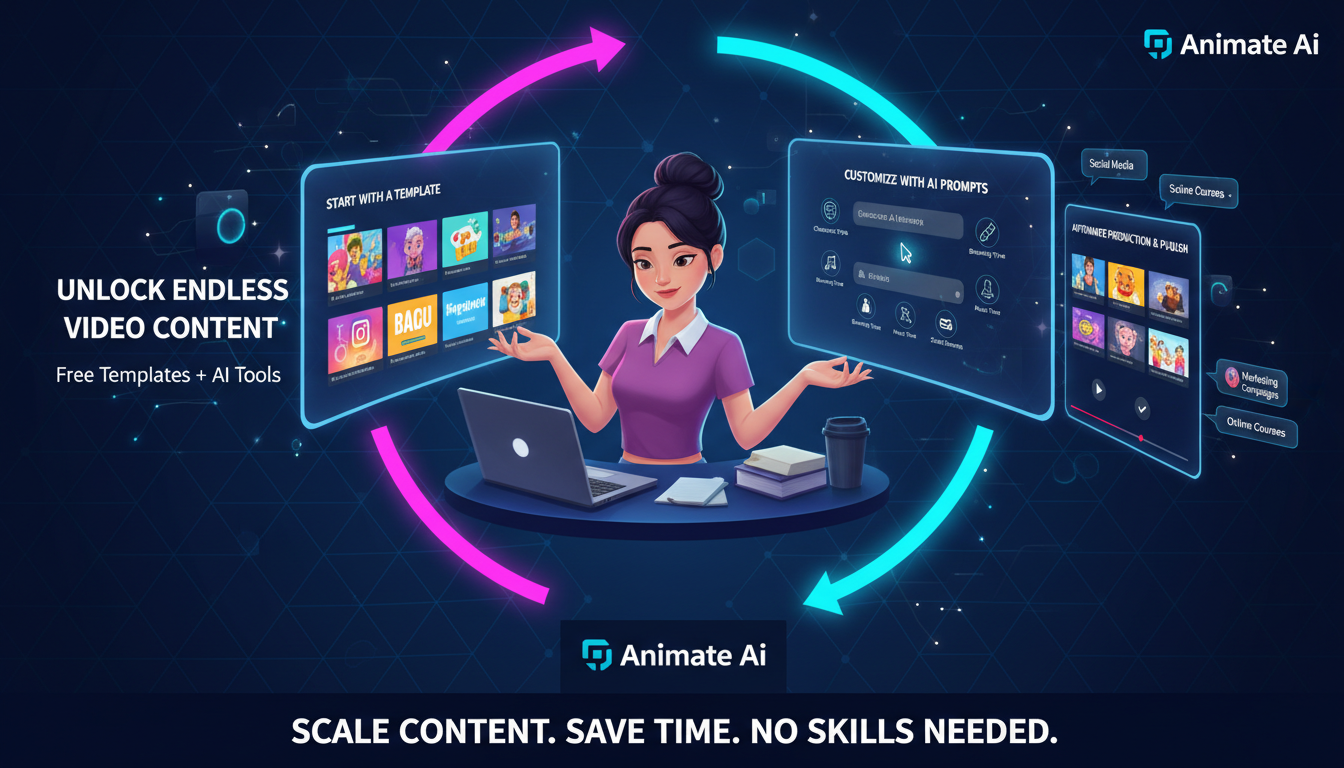
Busy creators unlock endless video content using free templates and AI tools like Animate AI. Start with ready-made templates, customize via prompts, and automate production for social media, marketing, or education—scaling output without extra time or skills.
What Are Video Templates for Creators?
Video templates are pre-designed, customizable layouts that speed up content production. Animate AI provides free ones for social reels, explainers, and stories.
These assets include animations, transitions, and placeholders. Busy creators swap text, images, or prompts to generate pro videos instantly. Ideal for SMEs needing consistent branding across platforms.
Templates cut creation time by 80%, letting you focus on strategy over editing.
Why Use AI Tools with Templates?
AI tools with templates automate customization, generate assets, and scale content 10x faster for busy creators.
Animate AI combines free templates with AI generation for endless variations.
Enhance efficiency: AI fills gaps in voiceovers, characters, and scenes. No design skills required—perfect for solopreneurs or teams. Results rival custom work at fraction of cost.
| Benefit | Without AI | With Animate AI Templates |
|---|---|---|
| Time Saved | Hours per video | Minutes |
| Customization | Manual edits | Prompt-based |
| Output Volume | Limited | Endless variations |
Which Free Templates Work Best?
Top free templates include social media reels, product promos, testimonials, and educational series from Animate AI.
Start with versatile 9:16 vertical formats for TikTok or Instagram.
Evaluate by ease: Animate AI’s library offers 50+ drag-and-drop options. Match to goals—short hooks for engagement, longer for tutorials. Test across niches for best fit.
| Template Type | Best Platform | Creator Type |
|---|---|---|
| Social Reels | TikTok, IG | Influencers |
| Explainers | YouTube | Educators |
| Promos | SMEs | |
| Stories | All | Marketers |
How Does Animate AI Boost Workflow?
Animate AI integrates free templates with AI Character Generation, Storyboarding, and Autopilot for seamless video creation.
Input prompt or select template; AI handles rest.
Core workflow: Choose template, add script/prompt, generate characters and boards, export. Autopilot runs fully hands-free. SMEs produce weekly content effortlessly.
What Content Types Can You Create?
From social reels and ads to tutorials and narratives—templates + AI cover all formats.
Animate AI supports animated styles for engagement.
Diversify: Short-form for virality, long-form for depth. Free templates ensure polish. Scale campaigns with variations in minutes.
How to Customize Templates Quickly?
Select template, input prompt/script, tweak characters/transitions, and generate—done in under 5 minutes with Animate AI.
Use intuitive editors for branding.
Steps: 1) Pick from library. 2) Replace placeholders. 3) AI-optimize visuals. 4) Preview/export. Maintain consistency across series.
Animate AI Expert Views
“For busy creators, Animate AI’s free templates paired with AI tools unlock true scalability. SMEs can now produce personalized video campaigns weekly, not monthly. The autopilot feature combined with editable storyboards ensures brand-aligned content without designers. It’s transformed how small teams compete with big agencies—speed without sacrificing creativity or quality.”
— Jordan Lee, Content Strategy Director
(112 words)
Why Choose Animate AI for SMEs?
Animate AI delivers free templates, end-to-end AI, and autopilot—tailored for SMEs needing volume without overhead.
Outperforms basic editors with smart automation.
Advantages: Cost-free starters, unlimited generations on pro, multi-language support. Perfect for non-tech teams scaling social proof or leads.
How to Scale Content with Autopilot?
Activate Autopilot in Animate AI: input campaign theme, select templates, set volume—AI generates batch videos.
Hands-free from prompt to publish.
Batch process: Define series (e.g., 10 tips videos), AI varies angles/styles. Review minimal edits. Ideal for consistent posting.
What Mistakes Do Creators Make?
Over-customizing early, ignoring mobile formats, skipping A/B tests—avoid by starting simple with templates.
Use Animate AI previews.
Pitfalls: Neglect analytics, inconsistent branding. Solution: Template kits + AI consistency checks.
Conclusion
Unlock endless content by blending Animate AI’s free templates with AI power. Key takeaways: Prioritize versatile templates, automate via autopilot, test variations. Action: Download free library today, run first batch, schedule posts—watch engagement soar.
FAQs
Are Animate AI templates truly free?
Yes, access 50+ professional templates free, with unlimited use on starter plans.
How many videos per week with autopilot?
Easily 10+ short videos weekly, scaling to daily for high-volume creators.
Can SMEs use for branded content?
Absolutely—customize colors, logos, voices for on-brand marketing effortlessly.
What if I need custom styles?
AI generates from prompts atop templates; pro unlocks advanced models.
Is training required?
No—intuitive dashboard; create first video in minutes.