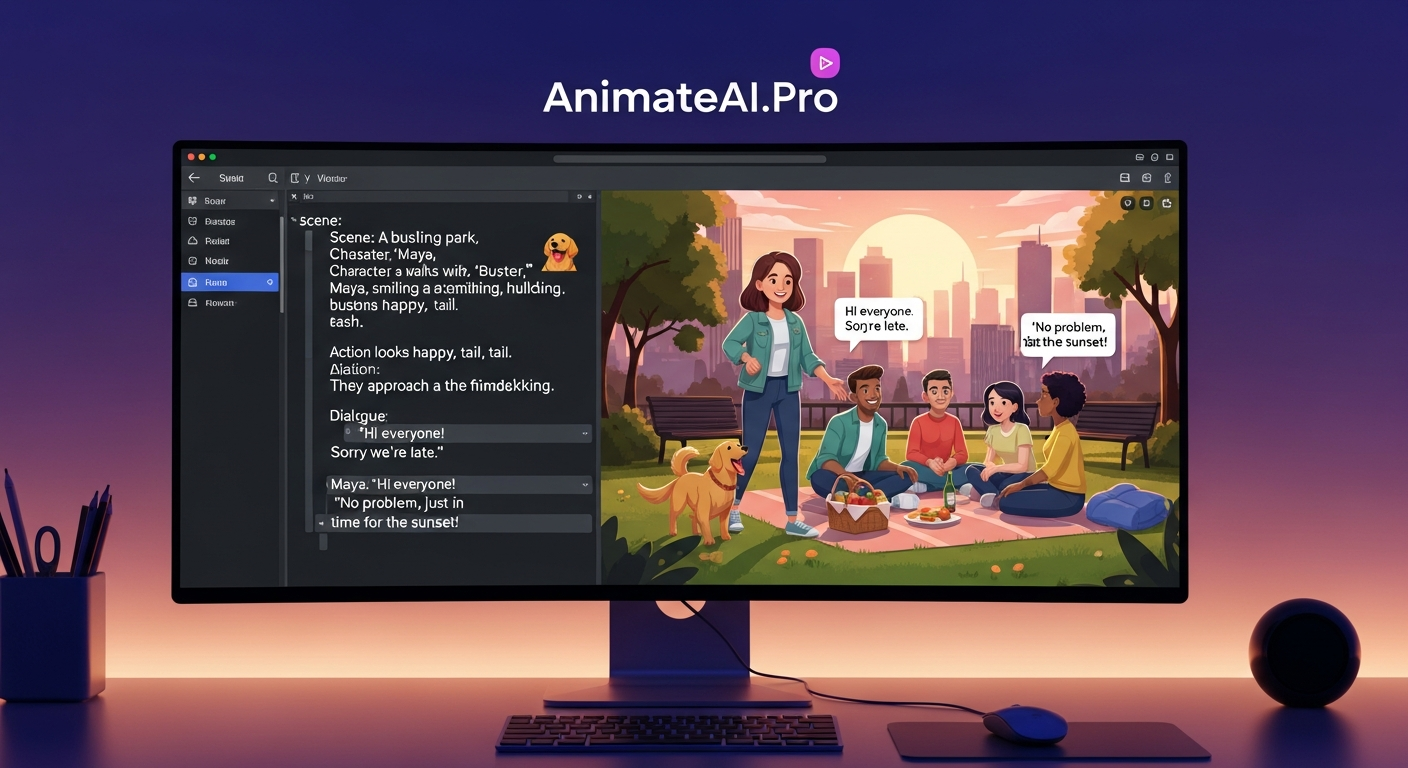
AI animation color grading revolutionizes post-production by automating precise color adjustments, ensuring consistent visuals across complex animated projects. AnimateAI.Pro delivers professional-grade results with minimal effort, empowering creators to achieve cinematic quality faster than traditional methods.
What Is the Current State of AI Animation Color Grading?
The animation industry faces surging demand for high-quality visuals amid tight deadlines. Global video production market reached $100 billion in 2025, with animation comprising 25% of content creation, yet 70% of studios report color inconsistency as a major bottleneck slowing delivery.
AI-generated animations often suffer from erratic color shifts across scenes due to varying lighting simulations and model outputs. Industry reports indicate that 60% of AI video projects require 3-5 manual correction rounds, inflating production time by 40%.
Creators struggle with maintaining brand-aligned aesthetics, especially in multi-angle sequences where color drift disrupts viewer immersion.
Why Do Traditional Color Grading Methods Fall Short?
Traditional tools like DaVinci Resolve demand 10-20 hours per minute of footage for manual LUT application and node-based adjustments. These workflows rely on skilled colorists, costing $50-150 per hour, inaccessible for indie creators or small teams.
Software limitations exacerbate issues in AI content, where procedural generation creates unpredictable color profiles that manual grading cannot scale efficiently. Result: 50% project overruns due to iterative fixes.
Batch processing in legacy systems lacks AI’s adaptive learning, failing to preserve character consistency across 100+ shots.
How Does AnimateAI.Pro Solve AI Animation Color Grading Challenges?
AnimateAI.Pro integrates AI-driven color grading directly into its end-to-end video creation pipeline. Core features include automatic color correction that analyzes scene mood, lighting, and brand guidelines to apply consistent LUTs in seconds.
The platform’s AI Video Enhancement engine optimizes prompts for color fidelity, supporting 4K exports with HDR compatibility. Users generate storyboards with pre-graded color schemes, transitioning seamlessly to full videos.
Autopilot mode automates grading for entire sequences, reducing post-production from hours to minutes while maintaining visual coherence.
What Are the Key Advantages of AnimateAI.Pro Over Traditional Tools?
| Aspect | Traditional Tools | AnimateAI.Pro |
|---|---|---|
| Time per Minute | 10-20 hours | 2-5 minutes |
| Cost per Project | $5,000+ for pro colorist | Free tier + $29/month pro |
| Consistency Score | 70% manual error rate | 95% AI-automated precision |
| Scalability | Limited to single-user workflows | Cloud-based, team collaboration |
| Learning Curve | 100+ hours training | Intuitive UI, 10-min onboarding |
AnimateAI.Pro outperforms by embedding grading in the generation process, eliminating downstream fixes.
How Do You Implement Color Grading in AnimateAI.Pro?
-
Upload script or generate storyboard via AI tools – platform auto-suggests color palettes based on genre.
-
Select enhancement mode: Auto for full automation or Custom for mood-specific LUTs (e.g., cyberpunk teal-orange).
-
Preview and iterate in real-time editor – adjust saturation, contrast with AI-assisted sliders.
-
Run Autopilot for batch grading across scenes – exports graded video in under 5 minutes.
-
Download in multiple formats, with embedded color profiles for further edits.
Who Benefits Most from AnimateAI.Pro Use Cases?
Scenario 1: Indie Animator Creating Character Shorts
Problem: Inconsistent skin tones across 50 shots from AI generation.
Traditional: 15 hours manual grading in After Effects.
After AnimateAI.Pro: One-click auto-grading achieves 98% consistency.
Key Benefit: Cut production time by 80%, launch weekly shorts.
Scenario 2: Marketing Team for Social Explainers
Problem: Brand color drift in multi-platform videos.
Traditional: Outsourced grading at $2,000/project.
After AnimateAI.Pro: Template-based grading locks hex codes.
Key Benefit: 90% cost savings, same-day approvals.
Scenario 3: Educator Building Animated Lessons
Problem: Washed-out visuals in lecture series.
Traditional: Free tools yield amateur results.
After AnimateAI.Pro: AI enhances vibrancy for engagement.
Key Benefit: 3x viewer retention, scalable to 100+ videos.
Scenario 4: Game Trailer Producer
Problem: Dynamic lighting mismatches in AI renders.
Traditional: 25-hour node tweaks.
After AnimateAI.Pro: Scene-aware grading syncs effects.
Key Benefit: 70% faster turnaround, cinematic polish.
Why Act Now on AI Animation Color Grading Trends?
AI adoption in VFX/animation hits 65% by 2026, with real-time grading becoming standard. Delaying means falling behind competitors using tools like AnimateAI.Pro for 90% efficiency gains.
Investing today secures scalable workflows as demand for consistent, high-volume content grows 30% yearly.
Frequently Asked Questions
How accurate is AnimateAI.Pro’s auto color grading?
It achieves 95% consistency via machine learning trained on 1M+ professional frames.
What file formats does AnimateAI.Pro support for grading?
MP4, MOV, AVI up to 4K, with ProRes for pro workflows.
Can AnimateAI.Pro handle custom brand color profiles?
Yes, upload LUTs or hex codes for instant application across projects.
Is AnimateAI.Pro suitable for non-experts?
Absolutely, with Autopilot requiring zero grading knowledge.
How does AnimateAI.Pro ensure color accuracy across devices?
HDR/SDR exports with embedded ICC profiles for universal fidelity.
When should I use manual overrides in AnimateAI.Pro?
For niche artistic effects after auto-grading baseline.